Builds & test runs
Watch the result area of a build or test window while you work on something else.

Keep working. Screen Change Watcher watches a desktop region you select and alerts you when its visible content changes.
01 / EXPLORE THE APP
Seven real screens from version 1.1.1. Select any image to see it at a larger size, then browse with the arrows.
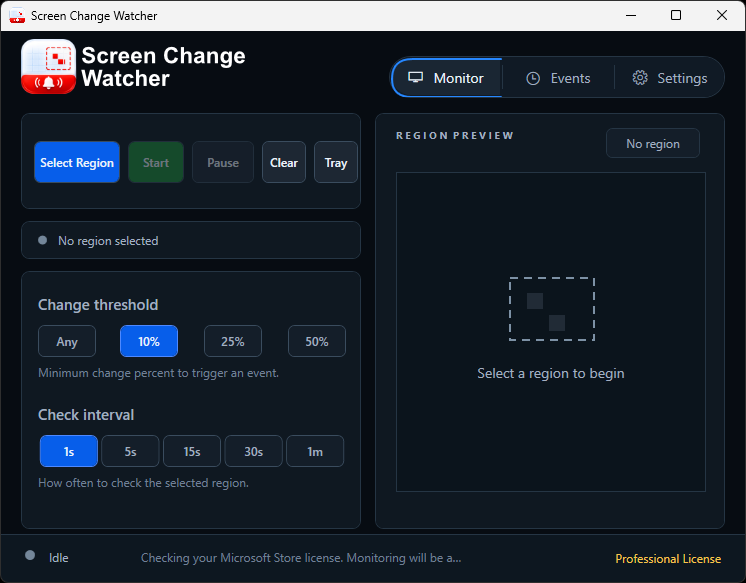
Set a change threshold and check interval, with a preview of the area you choose.
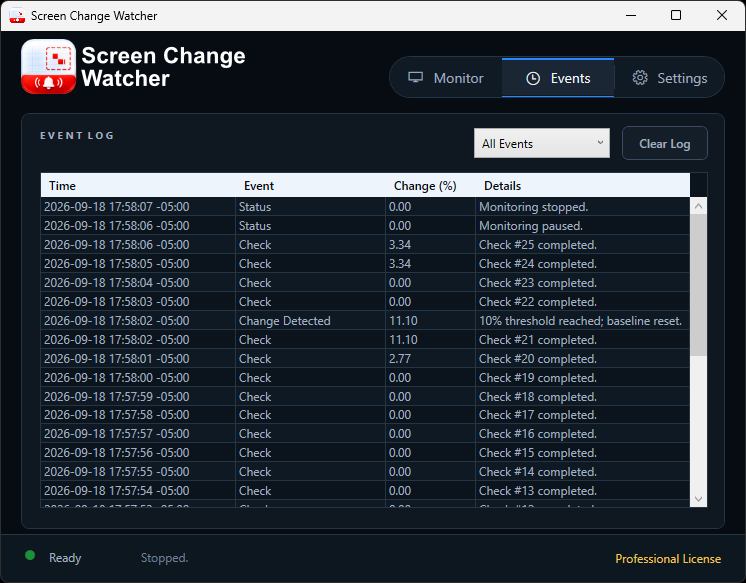
Review checks, detected changes, timestamps, and status updates in the event log.
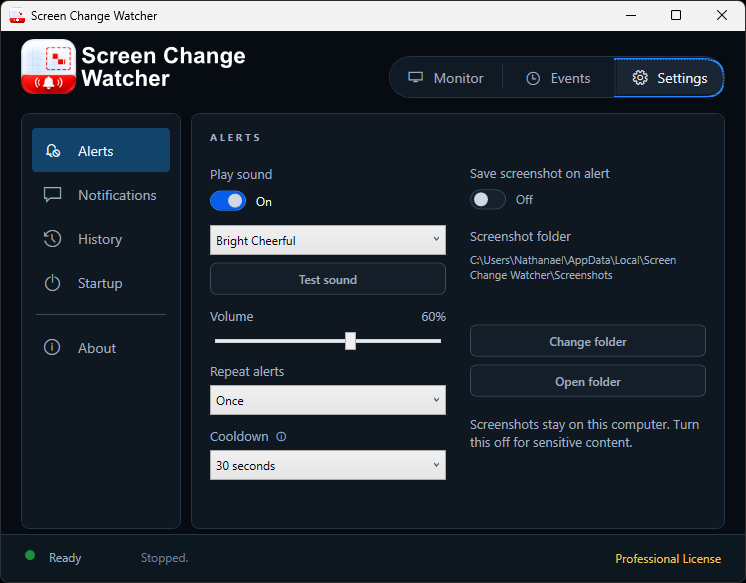
Choose a sound, volume, repeat behavior, cooldown, and optional screenshots.
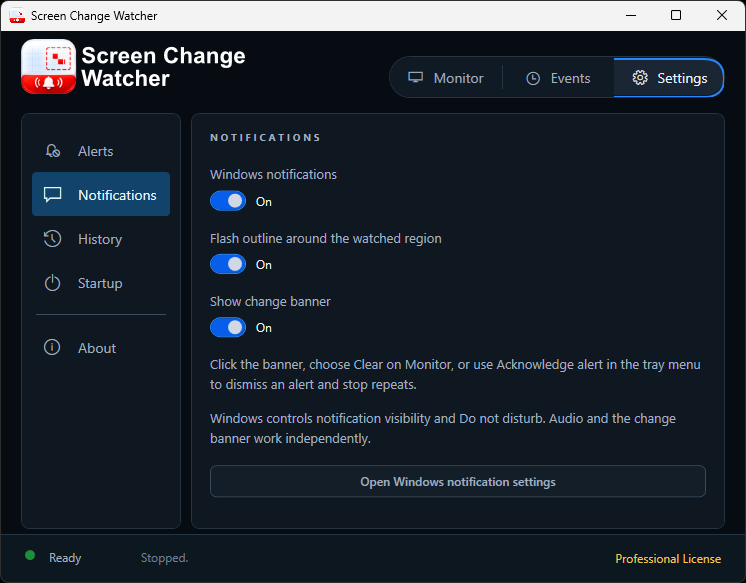
Combine Windows notifications, a flashing region outline, and a change banner.
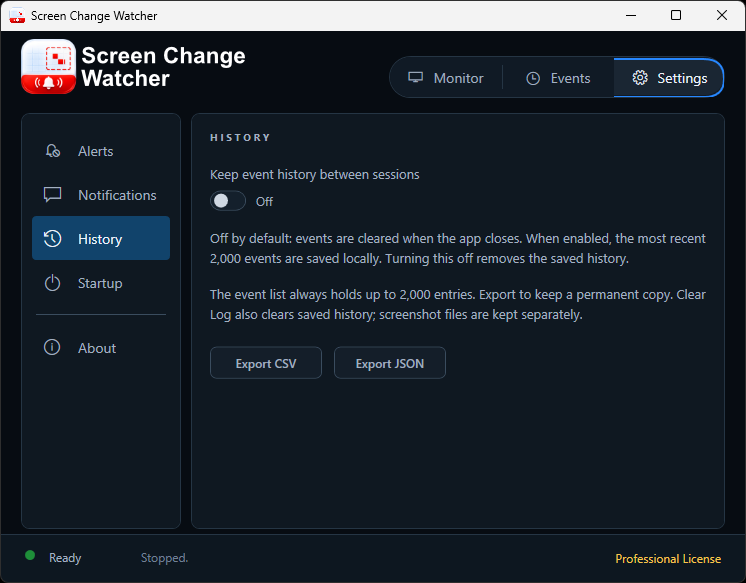
Opt into local history retention and export event records as CSV or JSON.
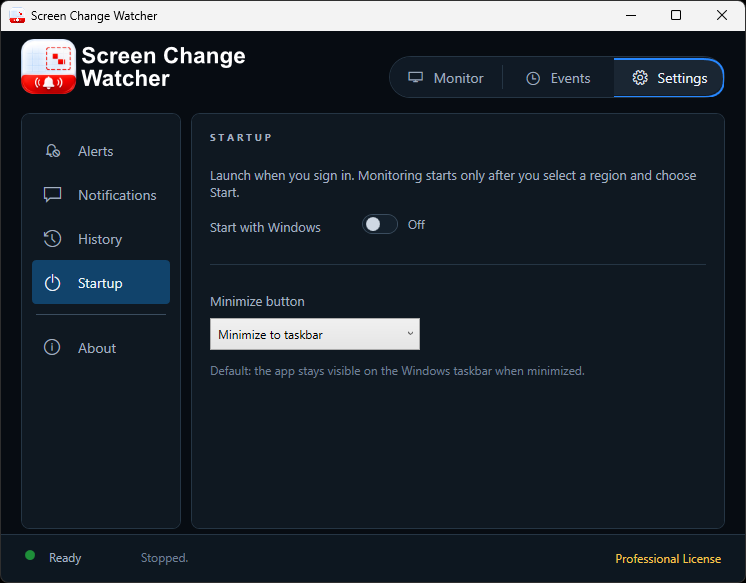
Choose startup and minimize behavior. Monitoring starts only when you choose Start.
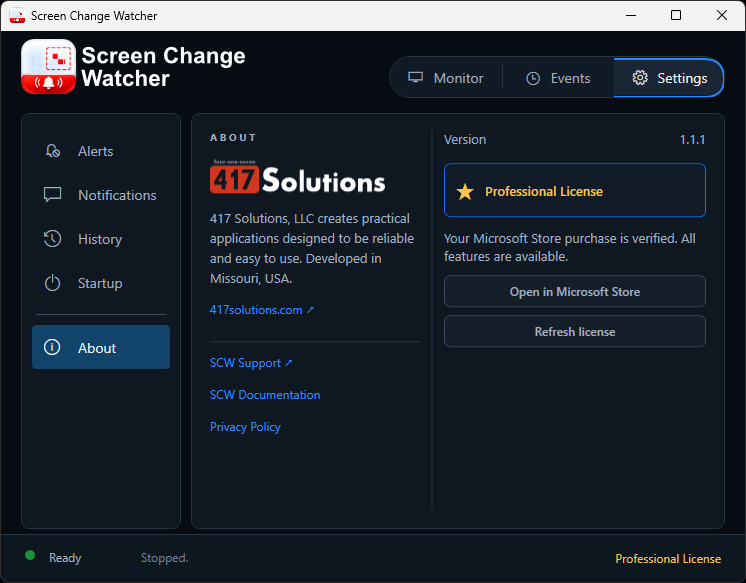
See the app version, open help, or refresh your Microsoft Store license.
02 / PUT IT TO WORK
For the tools that don’t notify you, watch the visible area that matters. No website integration or API is needed.
Watch the result area of a build or test window while you work on something else.
Keep an eye on changing status indicators, tickets, orders, or a web admin panel.
Notice a change in a transfer, export, or progress window without checking it repeatedly.
03 / GET STARTED
It compares visible pixels in your selected region. When the changed area reaches your threshold, your chosen alerts fire.
Choose Select Region and drag a rectangle around the part of your desktop you want to watch.
Choose a change threshold and check interval. Configure sounds and notifications in Settings.
Choose Start. Keep the target visible; the watcher itself can run from the system tray.
One visible screen region at a time. Keep the content uncovered on your desktop. Locking Windows or changing the display layout stops monitoring; protected content may not be capturable.
04 / YOUR COMPUTER, YOUR CONTROL
Screen images are processed on your computer. The app doesn’t upload them or your monitoring events to 417 Solutions.
Start a full-feature 7-day trial through Microsoft Store. After the trial, a one-time purchase keeps monitoring available.
Get Screen Change Watcher